01
Touch Screens
Professional touch displays for presentations, navigation, product information, and collaborative use.
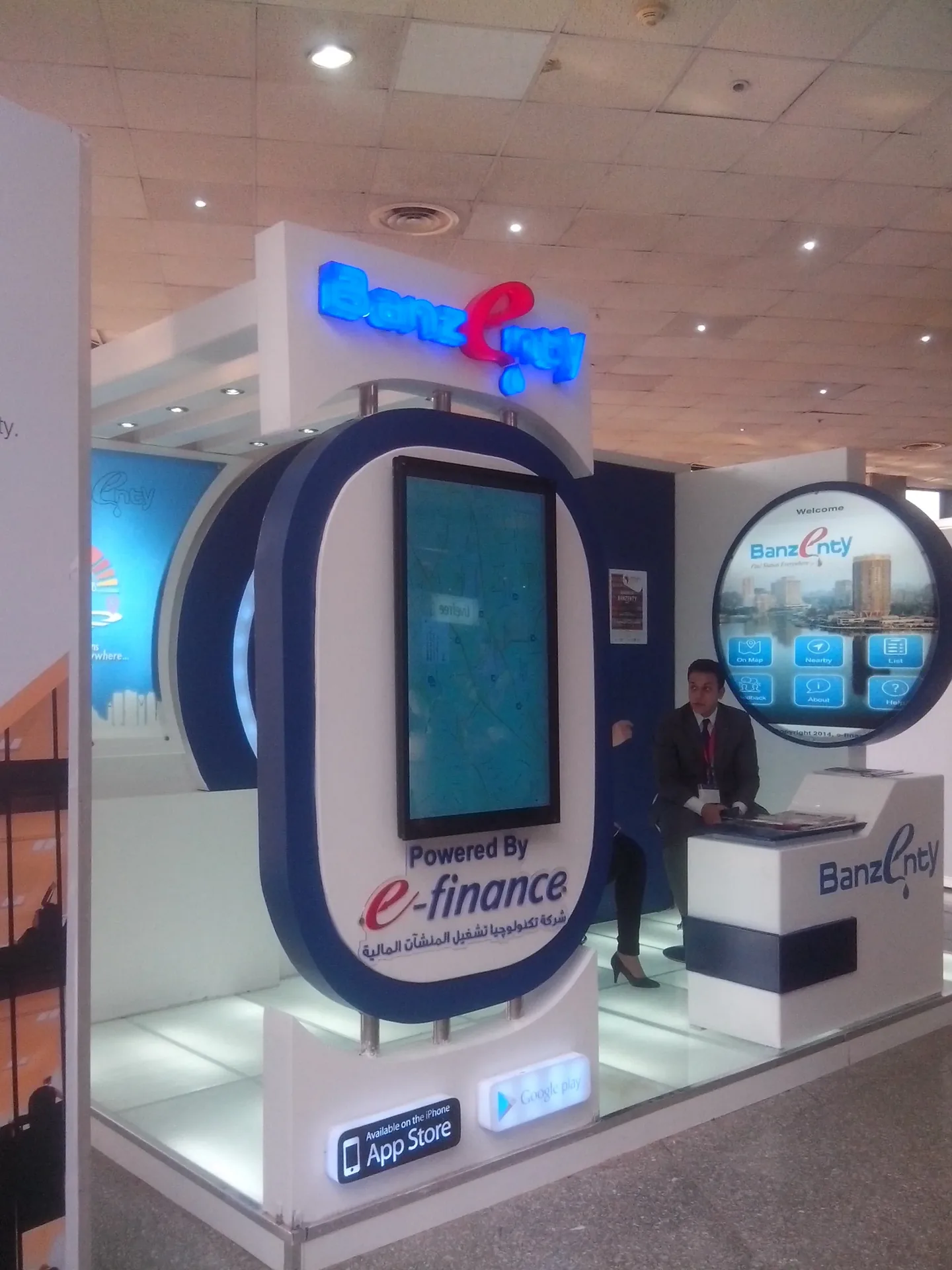
Touch screens, interactive kiosks, IR touch frames, and interactive tables designed around the way visitors, customers, and teams need to engage with information.

The correct solution depends on screen size, installation location, number of users, software, and the experience you want to create.
Professional touch displays for presentations, navigation, product information, and collaborative use.
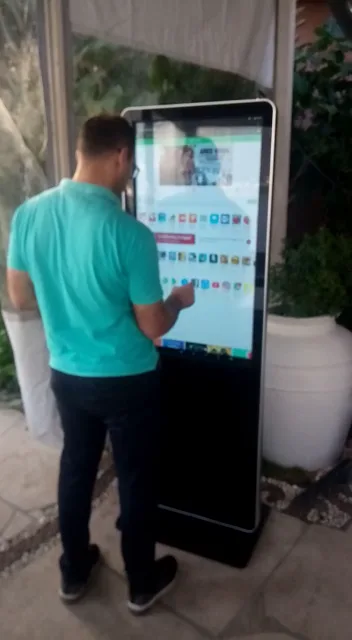
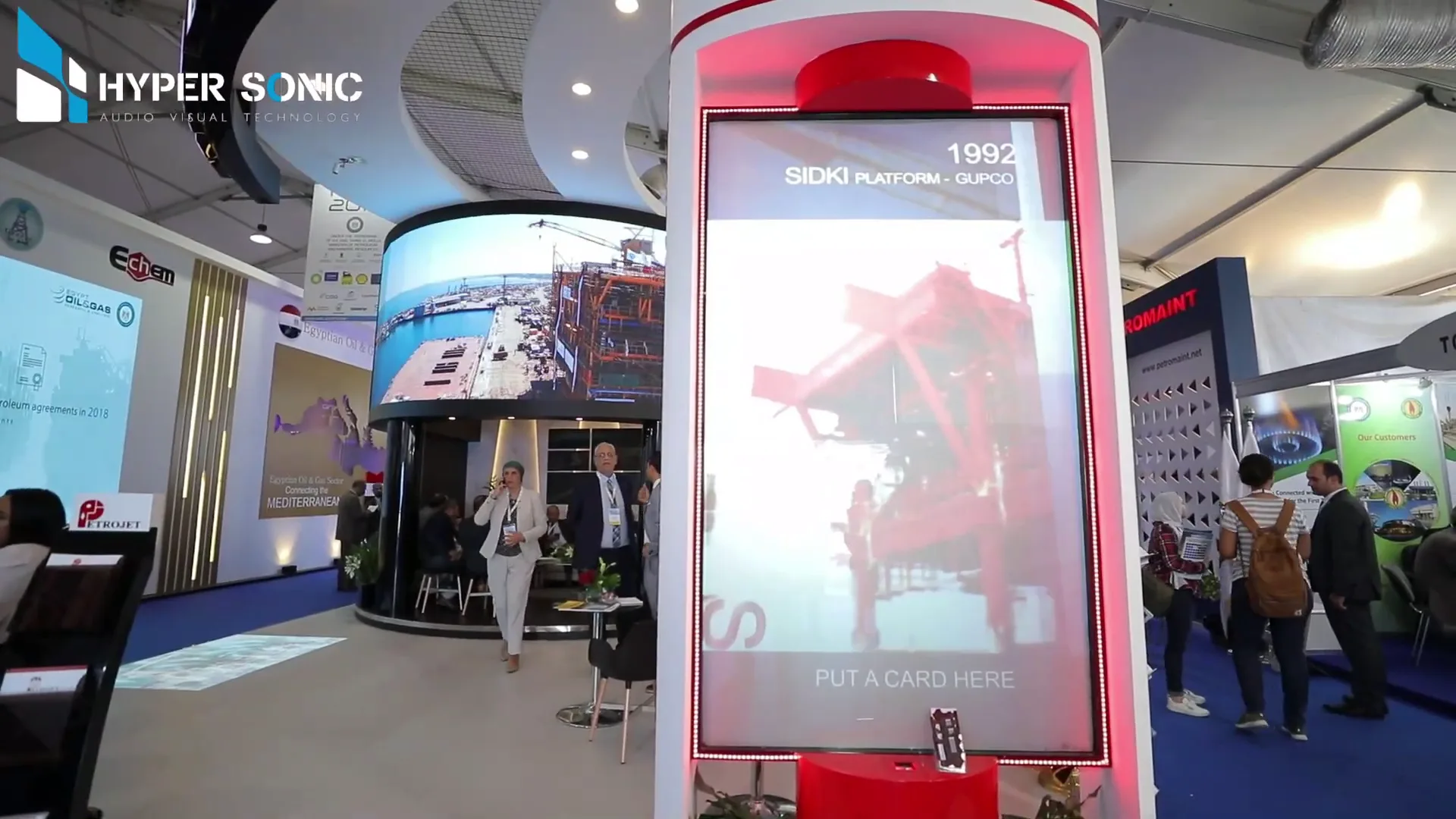
Freestanding interactive stations for exhibitions, reception areas, retail, and self-service experiences.
Convert compatible screens into touch-enabled displays using accurately sized infrared frames.
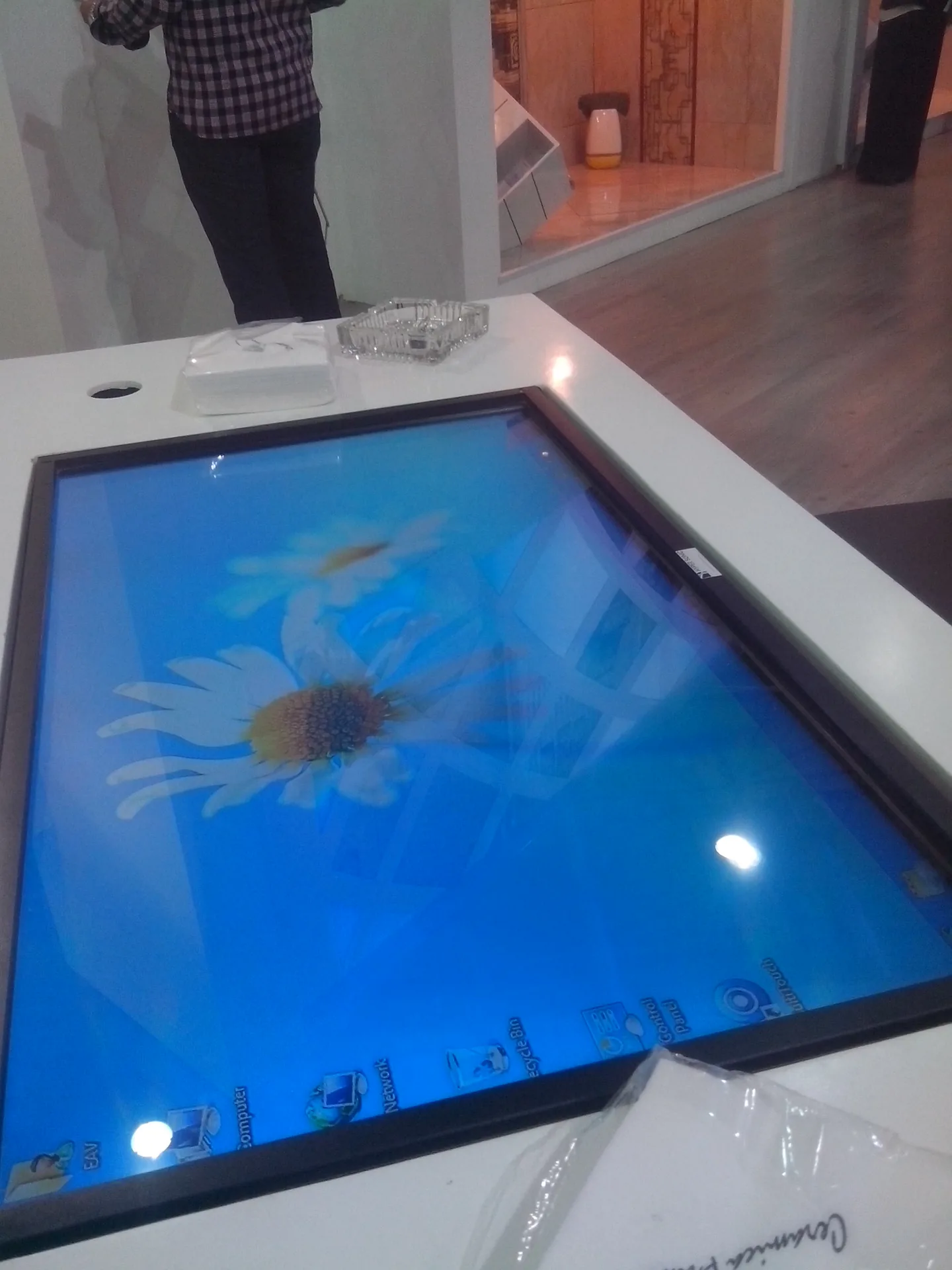
Large-format horizontal touch experiences for product exploration, maps, presentations, and group interaction.
We focus on making the complete interaction reliable and easy to use—not simply supplying a screen.
This gallery uses only images placed inside the dedicated interactive folder. It will never reuse LED, conference, or audio images.
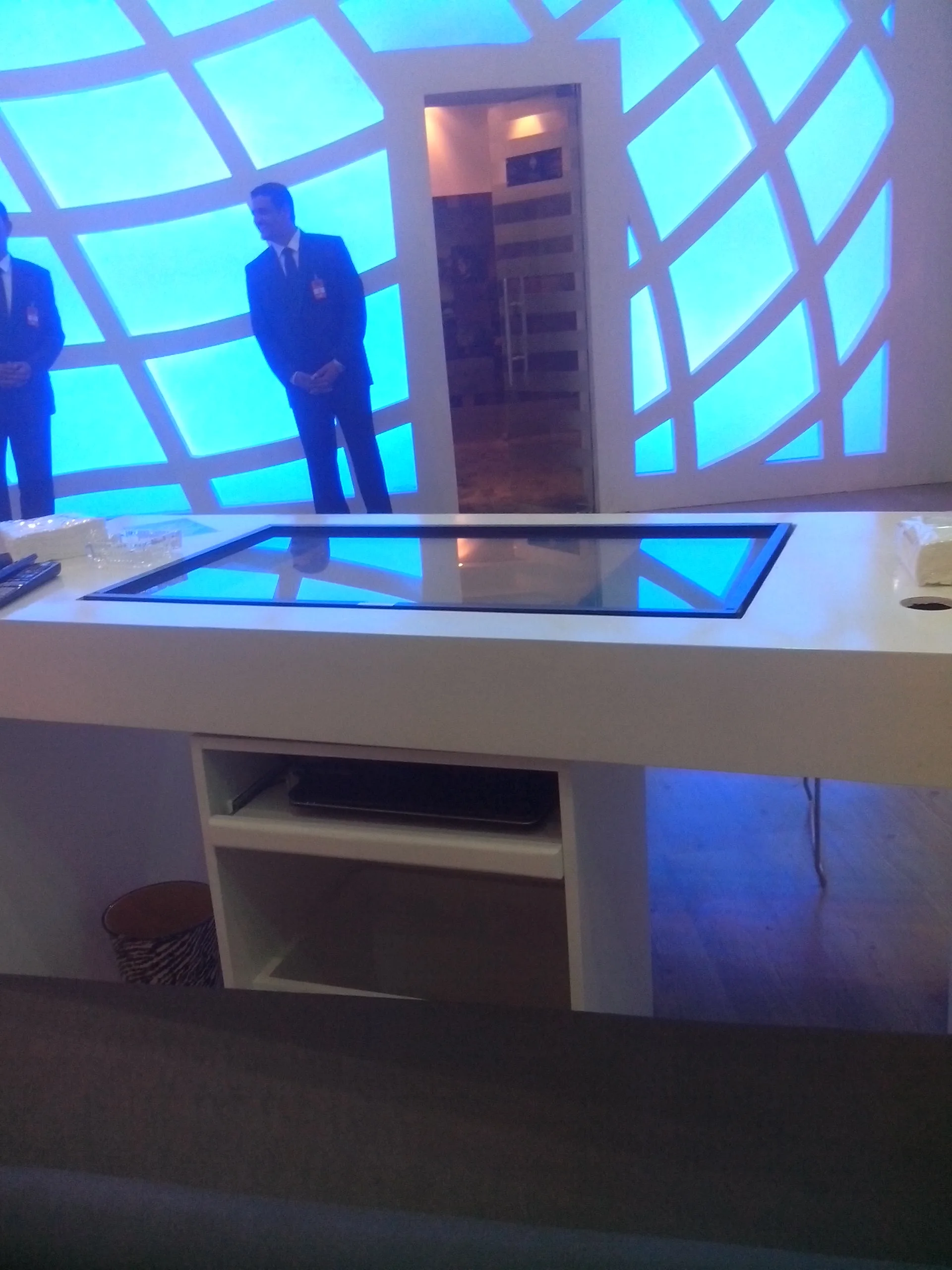
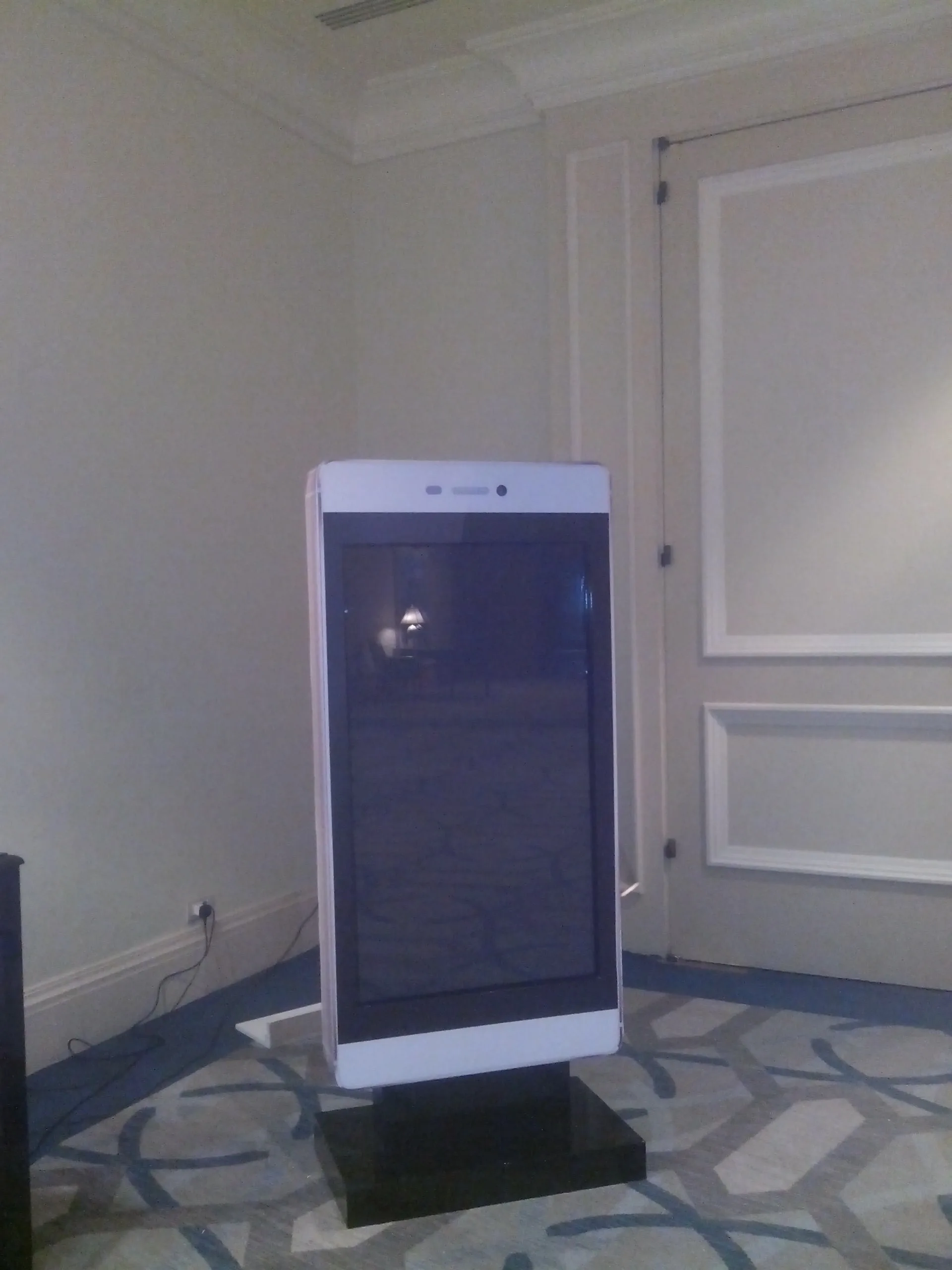
Review the audience, content, location, screen size, and required interaction.
Select touch technology, display, computer, mounting, and connectivity.
Install, calibrate, test touch accuracy, and verify the full experience.
Provide guidance and technical support according to the project scope.
Often yes, using a correctly sized IR touch frame. We first review the display, mounting, and software requirements.
Software requirements are handled according to the project. We can coordinate the hardware and integration scope with the required content or application.
Multi-touch capability depends on the selected touch technology and application. We specify it based on the intended experience.
Yes. Installation, setup, calibration, testing, and technical support can be included.
Share the location, screen size, expected users, content type, and project date. The request can later create a structured lead directly inside NovaOS.
Request an Interactive Quote